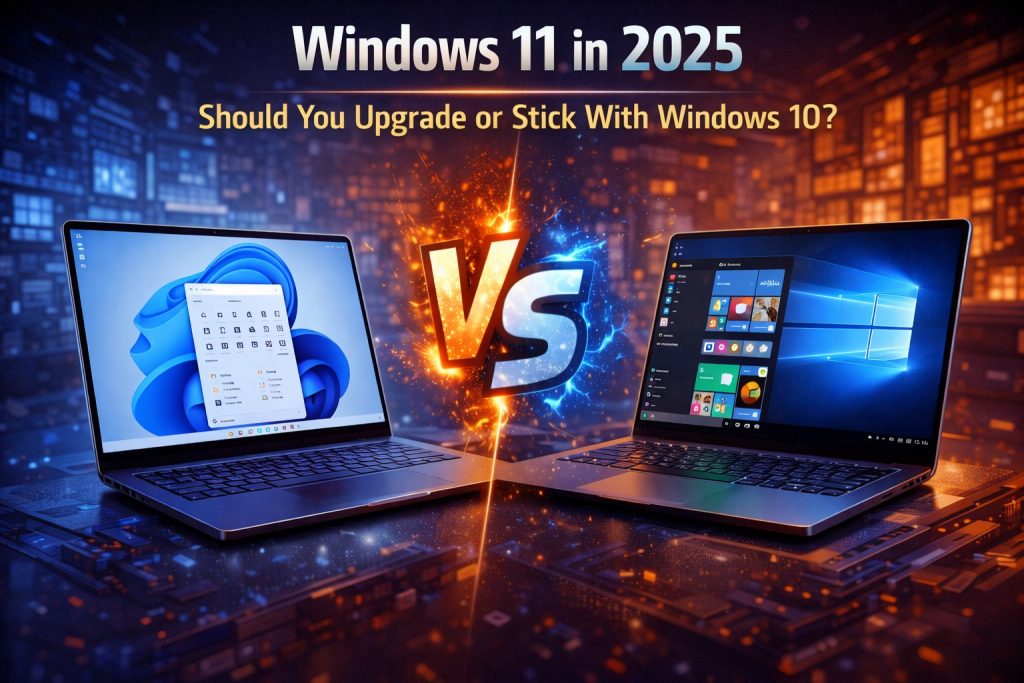
With Windows 10 approaching the end of its lifecycle and Windows 11 continuing to evolve, many users in 2025 are asking the same question: is it finally time to upgrade, or is Windows 10 still the safer choice? The answer depends on your hardware, workflow, and expectations.
Let’s break it down.
Windows 11 in 2025: What’s Improved?
Since its initial release, Windows 11 has matured significantly. In 2025, it feels more stable, polished, and performance-oriented than ever before.
Key improvements include:
-
Better optimization for modern CPUs and hybrid architectures
-
Improved gaming performance and DirectX enhancements
-
More refined UI and smoother animations
-
Deeper integration with modern hardware features
For users with newer systems, Windows 11 now delivers a noticeably smoother experience than it did at launch.
Performance: Is Windows 11 Faster?
On modern hardware, Windows 11 generally performs as well as or slightly better than Windows 10.
-
Faster boot times on SSD-based systems
-
Improved task scheduling on newer CPUs
-
Better memory management in demanding workloads
However, on older or unsupported hardware, Windows 10 may still feel more responsive and stable.
Gaming Experience in 2025
For gamers, Windows 11 offers several advantages:
-
Better support for newer GPUs and drivers
-
Improved performance in CPU-heavy games
-
Native support for modern gaming technologies
That said, most games still run perfectly fine on Windows 10, and the performance difference in real-world gaming is often small unless you’re using the latest hardware.
Compatibility and Software Support
One of Windows 10’s biggest strengths is its broad compatibility.
-
Legacy software and drivers tend to work more reliably
-
Older peripherals are better supported
-
Fewer unexpected issues for long-time users
Windows 11 continues to improve compatibility, but certain older applications and devices may still require workarounds.
Security and Updates
Security is where Windows 11 clearly pulls ahead.
-
Stronger default security features
-
Better protection against modern threats
-
Ongoing long-term update support
Windows 10 remains secure in 2025, but its support window is shrinking, making Windows 11 the more future-proof choice.
When You Should Upgrade to Windows 11
Upgrading makes sense if:
-
You’re using relatively new hardware
-
You care about long-term updates and security
-
You want the latest system features and improvements
-
You plan to keep your PC for several more years
In these cases, Windows 11 is the smarter long-term investment.
When You Should Stick With Windows 10
Staying on Windows 10 may be the better option if:
-
Your hardware is older or not officially supported
-
You rely on legacy software or hardware
-
Your system is stable and meets your needs
-
You prefer a familiar, proven environment
There’s no urgent reason to upgrade if Windows 10 works well for you.
Final Verdict
So, should you upgrade to Windows 11 in 2025?
Yes, if you want better security, modern features, and long-term support.
No, if your current setup is stable and upgrading offers little real benefit.
Windows 11 is no longer the risky choice it once was — but Windows 10 still has a place for users who value stability over change.