When a PC starts feeling slow, many users immediately think about upgrading the CPU or GPU.
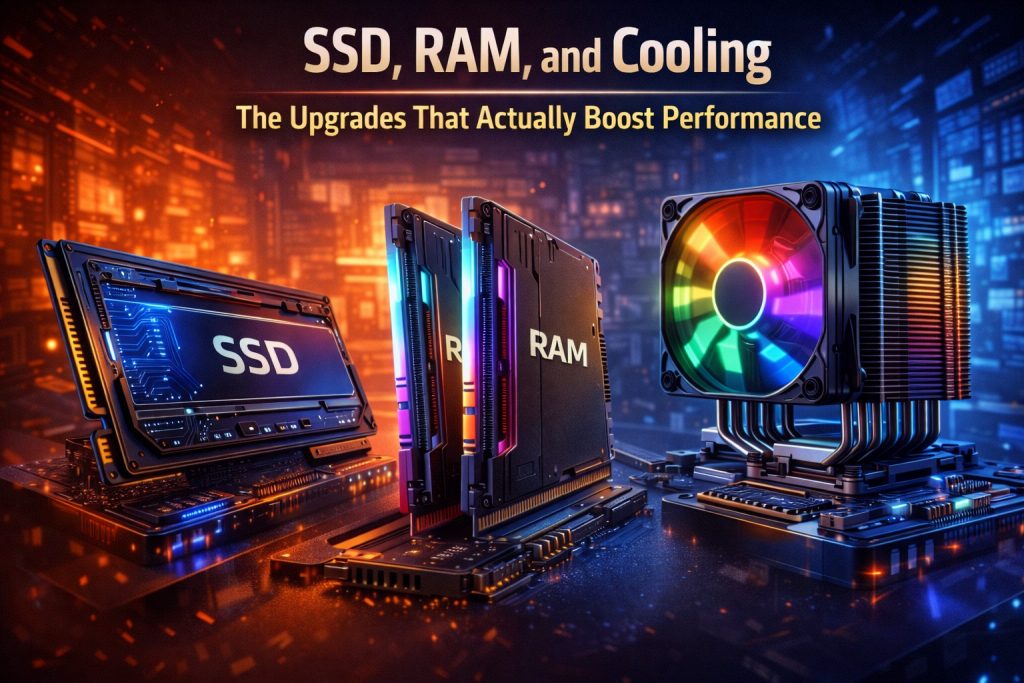
In reality, the biggest real-world performance gains often come from simpler upgrades — SSDs, RAM, and proper cooling.
Let’s look at which upgrades truly matter and why.
Why Hardware Balance Matters More Than Raw Power
A system is only as fast as its weakest component.
Even a powerful CPU can feel sluggish if paired with a slow drive, limited memory, or poor thermal performance.
That’s why smart, targeted upgrades often outperform expensive replacements.
SSD: The Single Biggest Performance Upgrade
If your system still uses a hard drive, upgrading to an SSD is the most impactful change you can make.
What an SSD improves:
-
Faster boot times
-
Instant app launches
-
Reduced loading screens
-
Overall system responsiveness
SATA vs NVMe
-
SATA SSDs are already a huge leap over HDDs
-
NVMe SSDs offer even faster speeds, especially for large files and heavy workloads
For most users, any SSD is better than no SSD.
RAM: More Memory, Smoother Multitasking
Insufficient RAM forces your system to rely on slower storage, causing stutters and slowdowns.
How RAM affects performance:
-
Improves multitasking
-
Reduces lag in browsers and productivity apps
-
Helps modern games run more smoothly
How much RAM is enough in 2025?
-
8 GB – minimum for basic use
-
16 GB – ideal for most users
-
32 GB – useful for creators and power users
More RAM won’t always increase speed, but too little RAM will definitely slow you down.
RAM Speed and Dual Channel Matter
Capacity isn’t everything.
-
Dual-channel memory improves bandwidth
-
Faster RAM benefits modern CPUs, especially in gaming
-
Matching RAM sticks ensures stable performance
Proper configuration can unlock performance without spending more.
Cooling: The Hidden Performance Factor
Poor cooling doesn’t just increase noise — it reduces performance.
Why cooling matters:
-
Prevents thermal throttling
-
Keeps CPU and GPU running at boost clocks
-
Improves long-term component lifespan
A CPU running too hot will automatically slow itself down, even if it’s powerful.
Cooling Upgrades That Actually Help
You don’t need extreme solutions.
Effective upgrades include:
-
Better CPU air cooler
-
Improved case airflow
-
Additional quality fans
-
Replacing old thermal paste
These changes often result in more consistent and sustained performance.
What Upgrades Don’t Always Help
❌ Excessive RGB
❌ Overpriced “gaming” accessories
❌ Extreme cooling for non-overclocked systems
❌ Random hardware upgrades without addressing bottlenecks
Performance comes from balance, not hype.
Upgrade Priority Guide
If you’re upgrading step by step:
-
SSD
-
RAM (capacity and configuration)
-
Cooling improvements
-
CPU or GPU (only if necessary)
This order delivers the best value for most users.
Final Thoughts
You don’t need a full system rebuild to feel a real performance boost.
In many cases, SSD, RAM, and cooling upgrades deliver the most noticeable improvements — quickly and cost-effectively.
Smart upgrades beat expensive ones.
💡 Key takeaway:
Fix the bottleneck, not the budget.